Build tip
Read the import guide What makes a useful Minecraft build generator?
The preview and download should use the same blocks. Start with one clear subject, add a size and two defining details, then inspect the model before exporting it.
Describe a castle, house, statue or server spawn. SchemForge, an AI Minecraft build generator, turns it into a block-by-block build you can preview in 3D and export as .schem, .litematic or .mcfunction.
Each card fills the generator above with a tested prompt. Change the details, then forge your own version.
A spawn plaza or lobby hub for an SMP or minigame server, with portals, paths and room for NPCs. Choose the XL area size for a 96 × 96 spawn in one go.
“A medieval fantasy server spawn plaza with a central fountain, four portal arches facing north, east, south and west, stone paths, lanterns and small market stalls”
Gatehouses, keeps, towers and walls with battlements, banners and layered roofs.
“A stone castle gatehouse with two round towers, a portcullis, battlements, red banners and a wooden bridge”
Houses and bases you can build by hand in survival, with a layer-by-layer guide and a full material list.
“A cozy two-storey spruce and cobblestone survival house with a porch, a chimney, glass windows and a small fenced farm plot”
Statues, creatures and characters for a spawn, a park or a build showcase.
“A giant iron golem statue holding a red poppy, standing on a mossy stone plinth”
Need a plain circle, sphere, dome or pixel art? The free tools draw them instantly:CircleSphereDomePixel artMap art
Describe it, inspect it in 3D, then drop the finished build into your world.
Name the subject, size, style, and a few details. Buildings, characters, vehicles, creatures, and objects all work.
SchemForge plans the silhouette, chooses a matching block palette, and compiles the build into real voxel coordinates.
Rotate and zoom around the exact model. Check its scale, block count, materials, and overall shape before export.
Download it as .schem for WorldEdit, .litematic for Litematica or .mcfunction for a data pack — or follow the layer-by-layer guide to build it by hand in survival.
The preview and download should use the same blocks. Start with one clear subject, add a size and two defining details, then inspect the model before exporting it.
A schematic is a file that stores every block of a build and where it goes, so a mod or plugin can paste the whole build into your world at once. Every SchemForge build comes in three Java Edition formats, a Bedrock structure file and a guide for building by hand.
Every account gets one free build with downloads included (Gemini 3.7 Flash). Credit packs pay for more builds and stronger models: a build costs 1–6 credits depending on the model, and Claude Opus gives the best results. Pay once, no subscription, credits never expire.
1 free build to try
Credits never expire
= 15 Gemini Flash or 2 Claude Opus builds
Credits never expire
= 40 Gemini Flash or 6 Claude Opus builds
Credits never expire
= 120 Gemini Flash or 20 Claude Opus builds
Prices in USD · secure checkout · credit packs are one-time purchases · credits never expire · no auto-renewal
Every credit pack works with every model. Faster models cost less; Claude Opus gives the best results.
| Model | Small – large | XL area |
|---|---|---|
Gemini 3.7 FlashGoogleFree trial Fast all-rounder. Used for the free trial. | 1 credit | 4 credits |
Gemini 3.8 FlashGoogleCredit pack Newer Flash that thinks longer: slightly richer detail. | 1 credit | 4 credits |
Claude Sonnet 5.5AnthropicCredit pack Careful and capable: cleaner structure and detail on complex builds. | 3 credits | 10 credits |
Claude Opus 5.5AnthropicCredit pack Our best model: the richest layouts and cleanest shapes. | 6 credits | 16 credits |
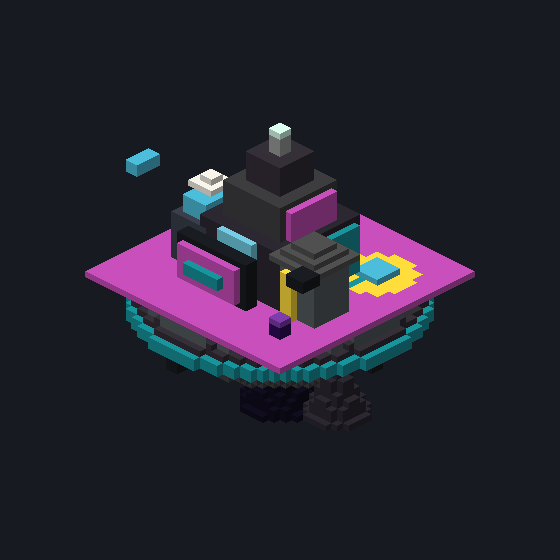 Gemini 3.7 Flash
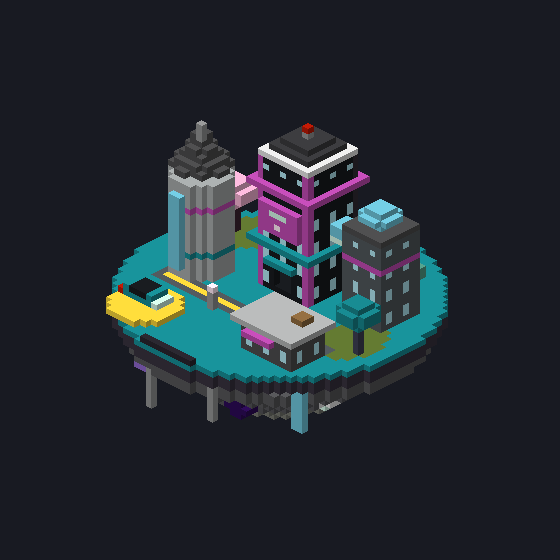 Claude Opus 5.5
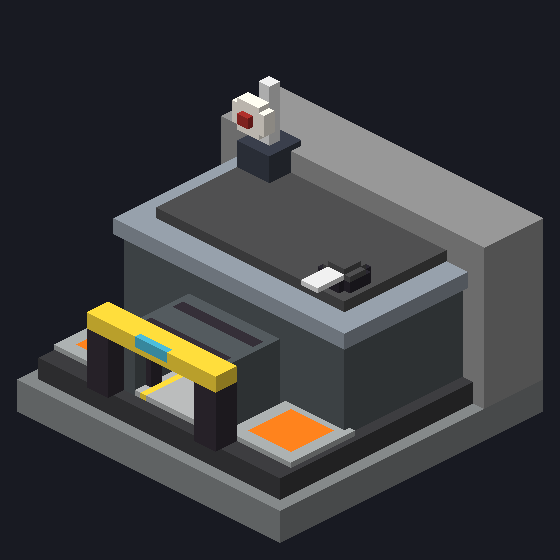 Gemini 3.7 Flash
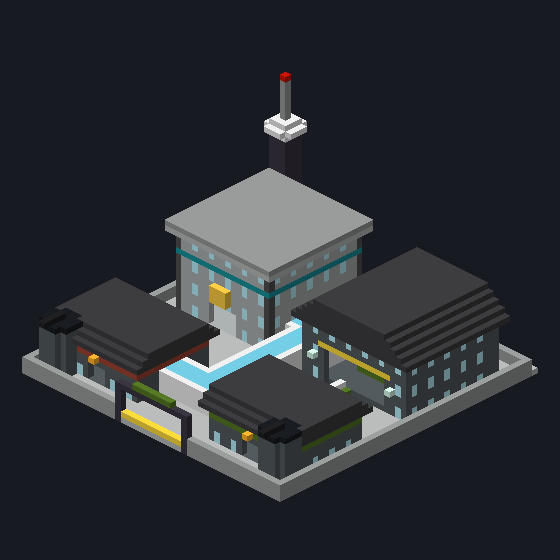 Claude Opus 5.5
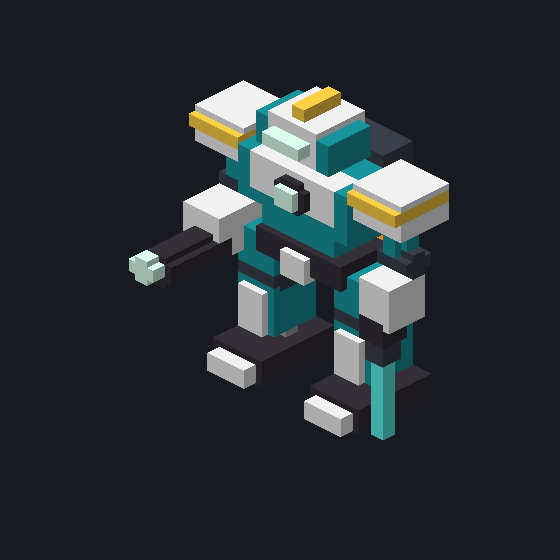 Gemini 3.7 Flash
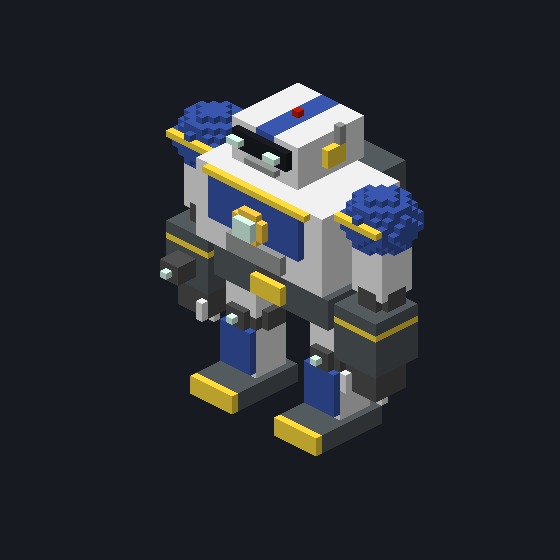 Claude Opus 5.5
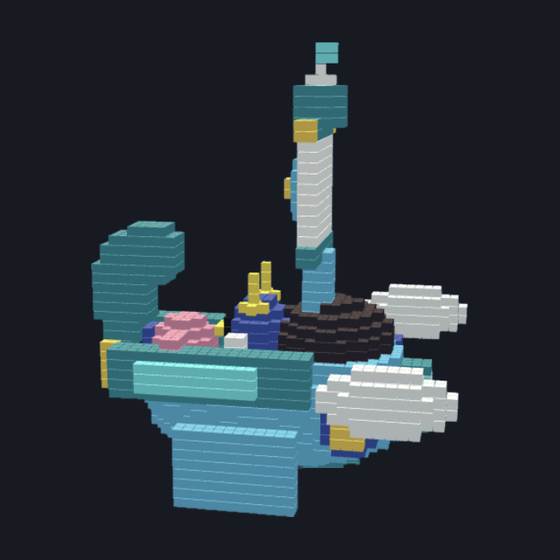 Gemini 3.7 Flash
 Claude Opus 5.5
The free trial uses Gemini 3.7 Flash. Credits are refunded if a build fails.
What to expect before you generate your first schematic.